 |
|
RHAM
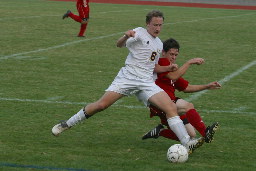
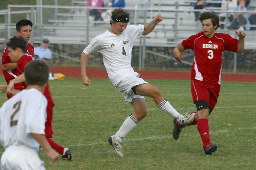
Soccer Photos - 2007 |
Photos
by Stan Malcolm
Downloading
& Printing From FlickR
While
you may choose to use FlickR's pay service for printing photos, you
can also download my photos for free and either print them at home or
send the files to WalMart, CVS, or other local services to have them
professionally printed. Once downloaded, you can keep the files on your
hard drive, burn them to a CD-ROM, or set one as your wallpaper. Navigating
FlickR to do this can be confusing so please print these steps and use
them as a guide.
- Click
on the image you wish to download. This will open up a somewhat
larger version of the image in a new page.
- In
the menu bar directly above the image, click on the magnifying
glass with "All Sizes" beside it.
- From
the available sizes menu bar, select "Original". This
will give you the best results when printing.
- Click
"Download the Original size".
- From
the file download window, select Save.
- Select
a location on your hard drive to store the file and click Save.
(Note, at this point you may wish to rename the file with something
more descriptive that the code FlickR assigns. If you do so,
make sure the file still has the ".jpg" file extension.)
- The
files from my camera come in a 2x3 aspect ration, perfect for
printing at 4x6". The aspect ratios of larger prints all
differ. For example, an 8x10" print has a 4x5 aspect ratio.
If you plan to print at one of these larger sizes, you may get
unacceptable results unless you crop the original photo to the
proper ratio before having it printed. If this is beyond your
skills, please contact me and I'll see if I can provide a file
in the right ratio.
|
Simply
close this window to return to the RHAM Soccer Photo page
Contact
Stan Malcolm
|